
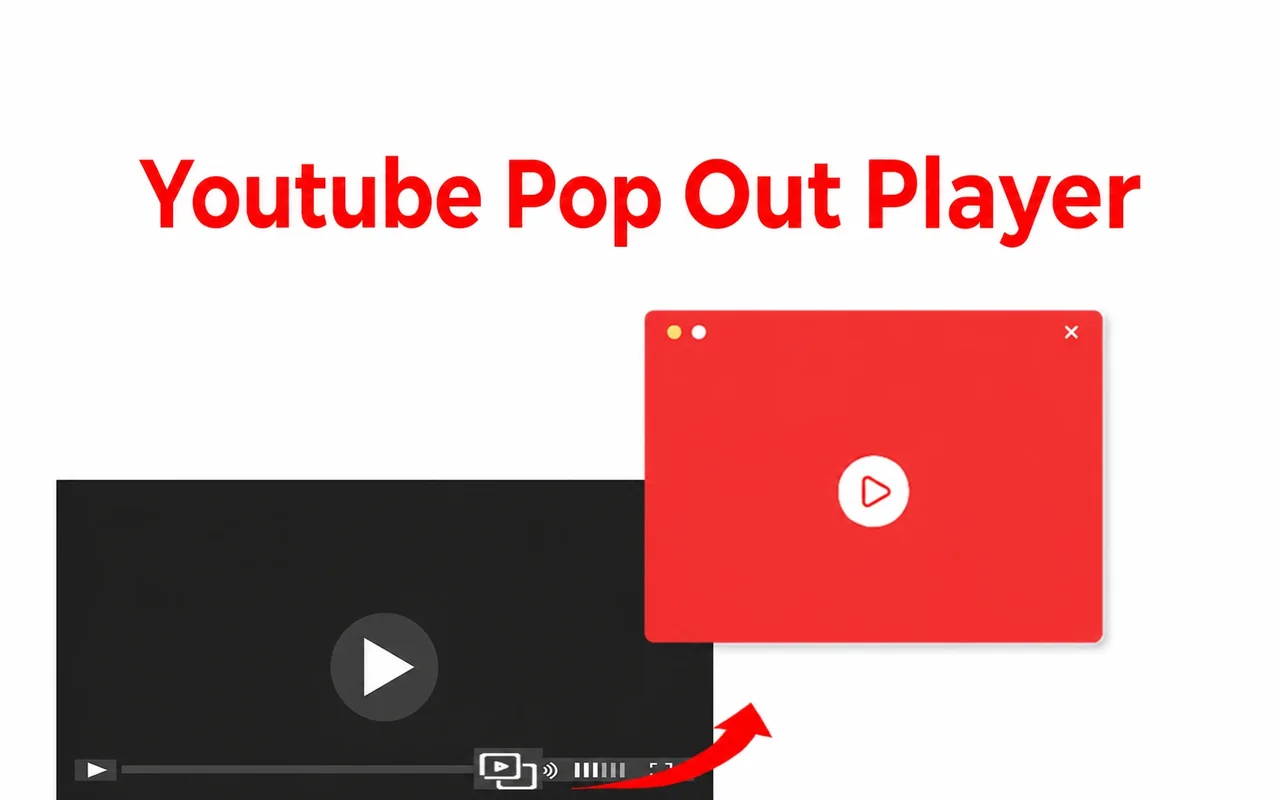
What is Youtube Pop Out Player?
Youtube Pop Out Player puts a pop-out button into the YouTube player. Click it and the video leaves the tab and floats in a small window on top of everything else: your editor, your spreadsheet, a video call. You choose where it sits and how big it is, and it keeps playing from the same second. Click the button again and the video goes back into the tab.
The floating window is the browser's own picture-in-picture window, so it is light, plays smoothly and stays on top on Windows and Mac. The extension puts it one click away instead of a double right-click.
People use it to:
- follow a tutorial while repeating the steps in another app;
- keep a lecture, a stream or a podcast in a corner while taking notes;
- watch a match or the news on a second monitor while working on the first;
- keep a music video in view without keeping a YouTube tab in front.
How do I pop out a YouTube video?
- Install Youtube Pop Out Player.
- Open a video on youtube.com and press play.
- Click the pop-out button on the right side of the player's control bar, or press the keyboard shortcut.
- Drag the floating window where you want it and drag its corner to resize it.
- To bring the video back, click the button again or close the floating window.
The step-by-step guide with the built-in alternatives is here: How to pop out a YouTube video.
Pop Out Player or Chrome picture-in-picture?
Chrome already has picture-in-picture: right-click a YouTube video twice and choose Picture in picture. Youtube Pop Out Player opens the same floating window — what it adds is a faster way to get there:
| Chrome picture-in-picture | Youtube Pop Out Player | |
|---|---|---|
| Floats over other apps | Yes | Yes (the same window) |
| Window size | Resizable up to the browser's limit | The same |
| How to start | Two right-clicks or the media controls menu | One click on a button in the YouTube player, or a keyboard shortcut |
| How to stop | Close the window | Click the button again or close the window |
| Works on | Most videos on the web | Video pages on youtube.com |
| Price | Free, built in | Free to try, then from $2/month |
How much does it cost?
You can try Youtube Pop Out Player for free. When the trial ends you can choose:
| Plan | Price |
|---|---|
| Monthly | $2.00 / month |
| Yearly | $12.00 / year |
| Lifetime | $20.00 once |
Checkout, tax and receipts are handled by Lemon Squeezy. You can cancel a subscription at any time in the billing portal, and we refund any purchase within 20 days — see the refund policy.
Is it safe?
The extension runs only on YouTube and asks for two permissions: access to the active tab and storage for its settings. It does not read your YouTube account, your watch history or the pages you visit. To run the free trial and your plan it uses a random device ID and a counter of pop-outs. The safety page lists every permission and every piece of data in plain words.
Product facts
| Developer | Cresotech (PayForSay s. r. o., Slovakia) |
| Version | 3.1, updated 2025-11-18 |
| Languages | 52 |
| Works on | Video pages on youtube.com (not Shorts or embedded videos) |
| Browsers | Chrome, Edge, Brave, Opera, Vivaldi (Chromium) on Windows, Mac and Linux |
| Permissions | Active tab, storage |
| Price | Free to try; $2/month, $12/year, $20 lifetime |
Guides
- How to pop out a YouTube video
- YouTube picture-in-picture in Chrome
- Keep a YouTube video always on top
- YouTube mini player outside the browser
- Automatic picture-in-picture in Chrome
- YouTube picture-in-picture not working: fixes