
Highlight and Copy Protected Text

Select and copy text on pages that block copying

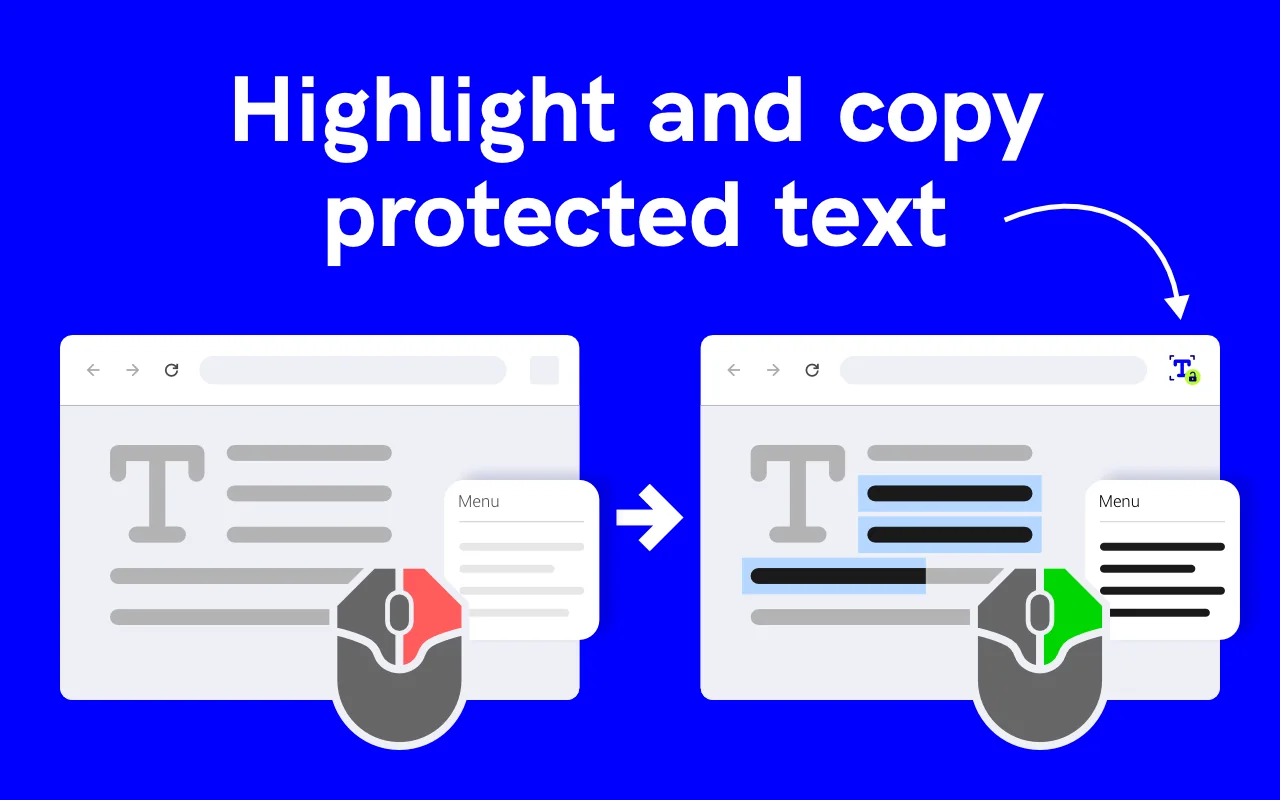
Highlight and Copy Protected Text is a Chrome extension that turns text selection, copying and the right-click menu back on, on websites that block them. Open the extension, switch on copy and right-click for the page, then select and copy text as usual. It works in 52 languages and is free to try.

Add to Chrome

Free to try 52 languages

Highlight and Copy Protected Text — Select and copy text on pages that block copying

What does it do?

Some websites stop you from selecting text, disable Ctrl+C, or replace the right-click menu with nothing. Usually they do it with a few lines of code or a style rule. Highlight and Copy Protected Text switches those restrictions off in your browser, for the page you choose, so you can:

  • select text with the mouse again;
  • copy it with Ctrl+C or the menu;
  • right-click to get the browser's normal menu (Copy, Search, Translate, Inspect);
  • paste into fields that refuse pasting.

How do I use it?

  1. Install the extension and pin it.
  2. Open the page where copying is blocked.
  3. Click the icon and turn on copy and right-click.
  4. Select and copy the text as usual.

Before installing anything, you can also try the built-in ways to copy protected text: Reader mode, printing to PDF or the page source often work too.

What it cannot do

  • Text inside images, canvas or video is not text. Use Image Text to Text to recognise it.
  • Content you cannot see — behind a login, a paywall or DRM — stays locked. The extension only unblocks copying of text that is already on your screen.

Use it responsibly

Copy protection does not change copyright. Copy for study, quotes with attribution, accessibility (for example reading with a screen reader or a translator) and your own notes. Do not republish other people's work without permission.

How much does it cost?

PlanPrice
Free trialFree
Monthly$2.99 / month
Yearly$19.99 / year
Lifetime$29.99 once

Checkout and receipts are handled by Lemon Squeezy. Manage or cancel in the billing portal; see the refund policy.

Product facts

DeveloperCresotech (PayForSay s. r. o., Slovakia)
Version2, updated 2025-10-29
Languages52
PriceFree to try; $2.99/month, $19.99/year, $29.99 lifetime

Guides

Compare

Frequently asked questions

How do I copy text that cannot be copied?

Install Highlight and Copy Protected Text, open the page, click the extension icon and turn copying on. Then select the text and copy it as usual.

Does it work on every website?

It works on most sites that block copying with scripts or styles. It cannot copy text that is not text: words drawn into an image, a canvas or a video. For those, use Image Text to Text.

Does it enable the right-click menu too?

Yes. It restores the browser's own right-click menu with Copy, Paste and Inspect on pages that replace or block it.

Is it legal to copy protected text?

Unblocking copy only changes how your own browser behaves. What you then do with the text is what matters: quoting, studying and personal notes are usually fine, while republishing someone else's work can infringe copyright. Respect the site's terms and the author's rights.

Does it collect what I copy?

No. The extension does not read or send the text you copy or the pages you read. When you turn copying on for a site, only its domain is counted, anonymously. Until version 3.0 is published in the Chrome Web Store, the version installed from the store (2) also sends the address of the page (without its parameters) with your device ID when you turn copying on.

Is it free?

You can try it for free. After the trial, a plan costs $2.99 a month, $19.99 a year or $29.99 once.

Does it work in Edge, Brave and Opera?

Yes, in Chromium browsers that install extensions from the Chrome Web Store.

Updated:

Highlight and Copy Protected Text

Select and copy text on pages that block copying