
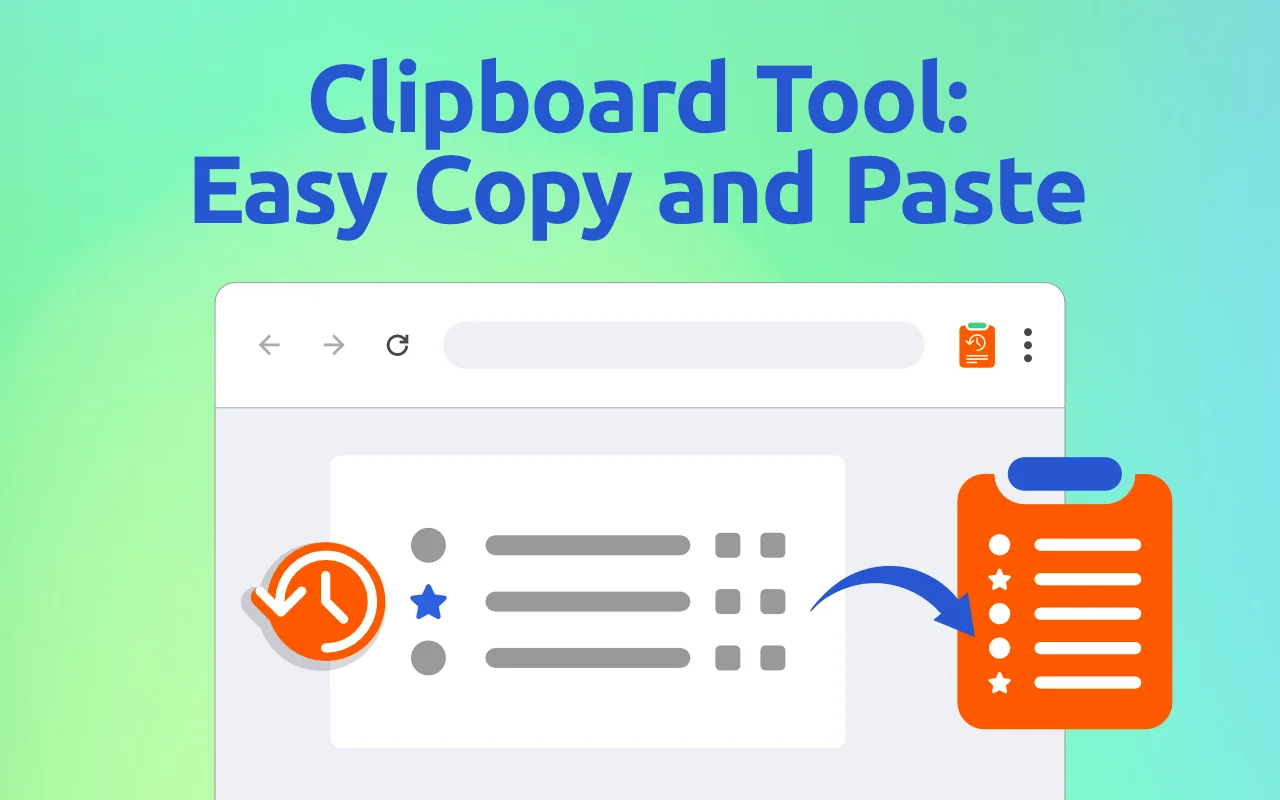
What does Clipboard Tool do?
Your computer's clipboard holds one item: copy something new and the previous copy is gone. Clipboard Tool keeps them all. Open it from the toolbar, find what you copied an hour ago, click it, and paste.
- History. Everything you copy is saved, newest first, with search.
- Favorites. Star the items you use often; they also appear in the right-click menu of any text field, ready to insert.
- Tags. Group items — addresses, replies, code snippets.
- Text shortcuts. Type a short word and it expands into longer text: an e-mail signature, a standard reply, your address. How text shortcuts work.
- Edit, import and export. Fix an item, back up your history, move it to another computer.
- Pause recording when you copy something private.
Who uses it?
- Office and support teams paste the same replies, links and addresses dozens of times a day.
- Students and researchers collect quotes and sources from many pages before writing.
- Developers keep commands, snippets and IDs at hand.
- Anyone on a Mac or Chromebook who wants a longer, searchable history than the system offers.
Clipboard Tool vs the built-in clipboard history
| Windows (Win+V) | macOS Tahoe (Spotlight) | ChromeOS (Search+V) | Clipboard Tool | |
|---|---|---|---|---|
| Items kept | 25 | Time-based | 5 | You choose (500 by default) |
| Kept after a restart | Pinned items only | For the period you set | No | Yes |
| Search | No | Yes | No | Yes |
| Favorites / tags | Pin | No | No | Favorites and tags |
| Text shortcuts | No | No | No | Yes |
| Same tool on every computer | — | — | — | Yes |
More: Clipboard Tool vs Windows clipboard history · how to see clipboard history on any computer.
How much does it cost?
| Price | |
|---|---|
| Clipboard history, search, tags, import/export | Free |
| Text shortcuts and favorites in the right-click menu | Free trial, then a plan |
| Monthly | $2.99 / month |
| Yearly | $14.99 / year |
| Lifetime | $24.99 once |
When the trial ends, your history keeps recording, so nothing you copied is lost. Checkout and receipts are handled by Lemon Squeezy; manage or cancel a subscription in the billing portal. See the refund policy.
Is it safe?
Your history never leaves your computer. To run the trial and plans, the extension sends our server a random device ID and a usage counter; your IP address is used to find your country. Every permission is explained on the safety page.
Product facts
| Developer | Cresotech (PayForSay s. r. o., Slovakia) |
| Version | 1.3, updated 2025-08-01 |
| Languages | 52 |
| Works on | Windows, macOS, ChromeOS, Linux — Chrome, Edge, Brave, Opera, Vivaldi |
| Price | History free; plans $2.99/month, $14.99/year, $24.99 lifetime |
Guides
- How to see your clipboard history (Windows, Mac, Chromebook)
- Clipboard history on a Mac
- Where is my clipboard?
- Clipboard keyboard shortcuts
- How to copy and paste on any device
- Text shortcuts in Chrome